


Gemini training for Google Workspace
Gemini training for professionals in the Benelux: AI in Google Docs, Sheets, Gmail and Slides. Hands-on in-house course for Google Workspace users.
- Format
- Half day (4 hours) or Full day (8 hours)
- Level
- Foundation to advanced
- Audience
- Professionals and teams who work with Google Workspace
- Location
- In-house or online
- Language
- English (Dutch on request)
Trusted by, among others

















Gemini is Google's AI assistant. It integrates with Google Workspace and is strong at real-time search and multimodal tasks. In this hands-on training you learn to use Gemini in Docs, Sheets, Gmail and Slides, and when to choose Gemini over other tools.
Why Gemini in Workspace works differently from standalone AI tools
Most AI tools sit apart from your work. You copy text into a chat window and paste the answer back. Gemini works differently. It is built into the apps you use all day. That way you stay in your own environment and with your own files.
That integration is what this training focuses on. You practise with real tasks from your own work, not with generic examples. That way you see straight away where Gemini saves you time and where you still need to adjust the output.
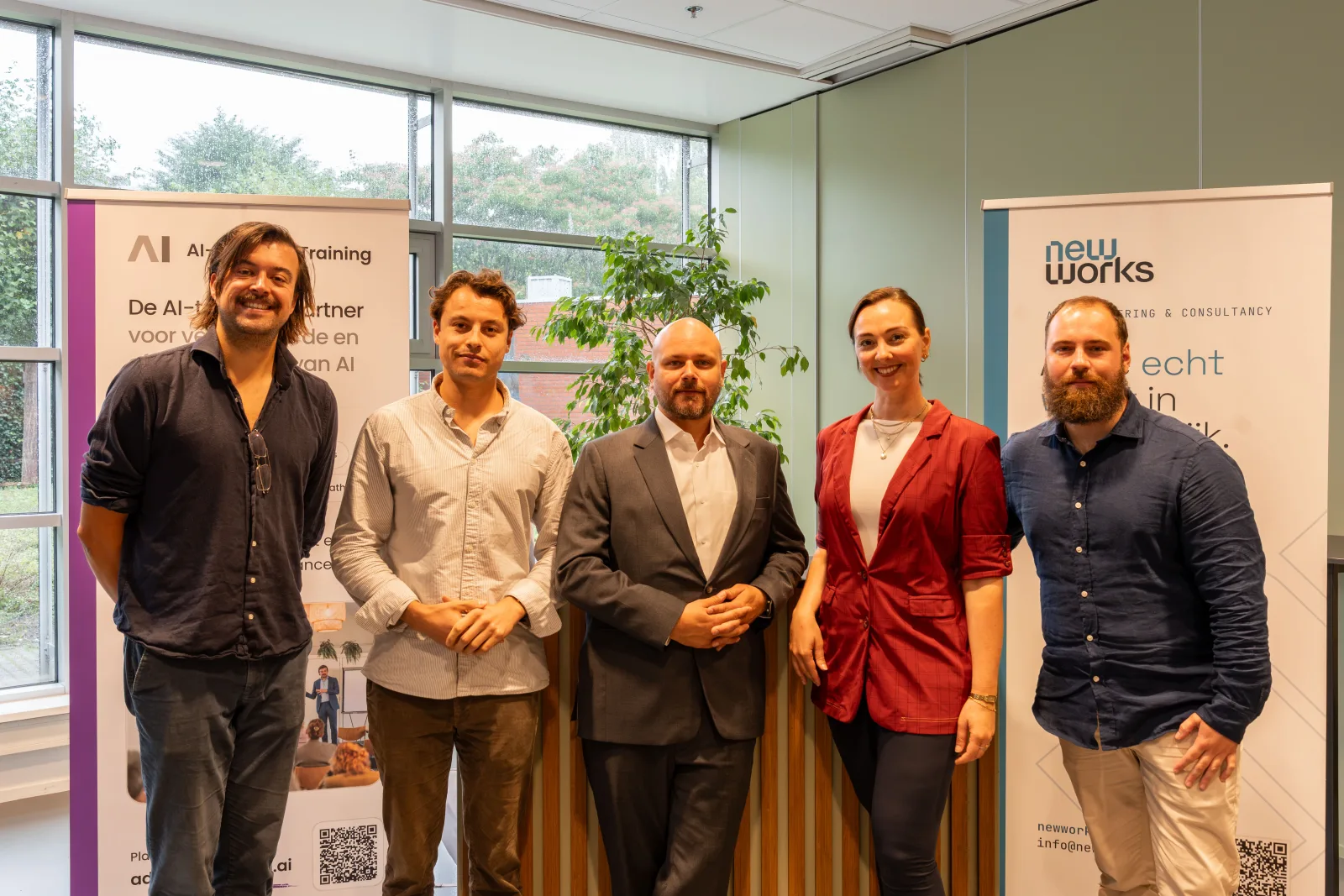
Your trainers are Bram Kreuger and Victor Hovius.
Your data stays within your Workspace domain
Gemini works with your documents and email. In the paid Workspace version, Google does not use your content to train models outside your domain. Gemini also respects your organisation’s existing access rights. The free consumer version has different rules. We show which data belongs in which environment, with the GDPR in mind.
You also practise checking the output. One way is to verify sources through Google Search and the references Gemini shows with an answer.
Part of the learning path
Every training can be taken on its own or as part of a learning path. This Gemini training is an advanced training (step 2). Want a broad foundation first? Start with AI literacy. Want to embed AI in your team’s processes? Take a look at AI Way of Working. Rolling out AI beyond training alone? Take a look at our AI consulting for organisations or, for the EU AI Act, our EU AI Act compliance consulting.
What you need for the Gemini training
No prior knowledge of or experience with AI is needed. The training is for professionals and teams who work with Google Workspace. Do make sure you have access to Gemini, preferably within Workspace. The free Gemini app also works, but offers less integration. We tailor the training to the environment your organisation uses.
What you will learn
- You use Gemini within Google Docs, Sheets, Gmail and Slides.
- You write effective prompts, including multimodal ones, with our five-step model.
- You work with the Gemini side panel and use your own Drive files as context.
- You know when to choose Gemini over ChatGPT, Copilot or Claude.
- You work safely within the Google ecosystem and recognise hallucinations.
How the training is structured
Half day (4 hours) or full day (8 hours), in-house or online
-
Welcome and AI basics
30 minWhat can Gemini do, and what can't it do?
- How Gemini works and where it is strong
- The difference between Gemini, ChatGPT, Copilot and Claude
- Free version versus Gemini in Workspace
-
Effective prompting with Gemini
45 minThe five-step model in practice
- Persona, Task, Context, Criteria, Output
- Multimodal prompts: text, images and documents
- Reusable prompts for recurring work
-
Gemini in Docs, Gmail and Slides
60 minAI in your everyday Workspace
- Docs: writing, summarising and rewriting
- Gmail: drafting emails and summarising threads
- Slides: generating a first draft and images
-
Data and context in Sheets and Drive
45 minAnalysing and working with your own sources
- Sheets: formulas, tables and analysis
- The side panel and Drive files as context
- Gemini's limits with complex spreadsheets
-
Safe and responsible use
30 minPrivacy and reliability
- Privacy within the Google ecosystem
- Which data you should and should not enter
- Recognising hallucinations and checking output
-
Applying it to your own work
30 minWorking on your own cases
- Working out your own use cases
- Building a personal prompt set
- Next steps for your team
Where AI helps
Documents in Docs
Writing drafts, summarising long documents and rewriting texts in plain language.
Email in Gmail
Drafting emails, summarising long threads and quickly preparing a suitable reply.
Data in Sheets
Creating formulas, setting up tables and analysing figures in natural language.
Presentations in Slides
Quickly generating a first draft of a presentation and adding images.
Context from your Drive
Letting Gemini use existing files as a source, so the output fits your work.
Searching and exploring
Exploring topics with real-time search, always checking the source.
Training tailored to your organisation
We are happy to build a programme that fits your practice, team and learning goals. Fill in the form and we will schedule an introductory call within one working day.
-
Fully tailored
Content and examples matched to your sector, team and way of working.
-
At your offices or online
4 or 8 hours, groups of up to 20 participants, in English or Dutch. Anywhere in the Benelux.
-
Proof of attendance
Attendance is registered; for legal training, CPD points may be possible.
Our method: the five-step prompting model
In every training you work with our five-step model. It helps you write prompts that are reliable, repeatable and directly usable in your own work.
- P
Persona
What role and tone do you give the AI?
- T
Task
What task? Concrete and clearly scoped.
- C
Context
What background and sources are relevant?
- C
Criteria
What must the result meet?
- O
Output
In what form do you want the answer back?
What you receive
After this training: badge and certificate
You complete this training with the Awareness Badge. Want your AI literacy formally and independently recognised as well? Then you take an exam for the accredited certificate of the Stichting ter bevordering van AI-Geletterdheid (Foundation for the Promotion of AI Literacy).
- Awareness Badge included
- Prepares for SAIG-Practitioner
Awareness Badge
Every participant receives the digital Awareness Badge afterwards. No exam needed.
Official certificate
Have your knowledge tested at Basic, Practitioner or Advanced level. Administered independently on the assessment platform of the Stichting ter bevordering van AI-Geletterdheid.
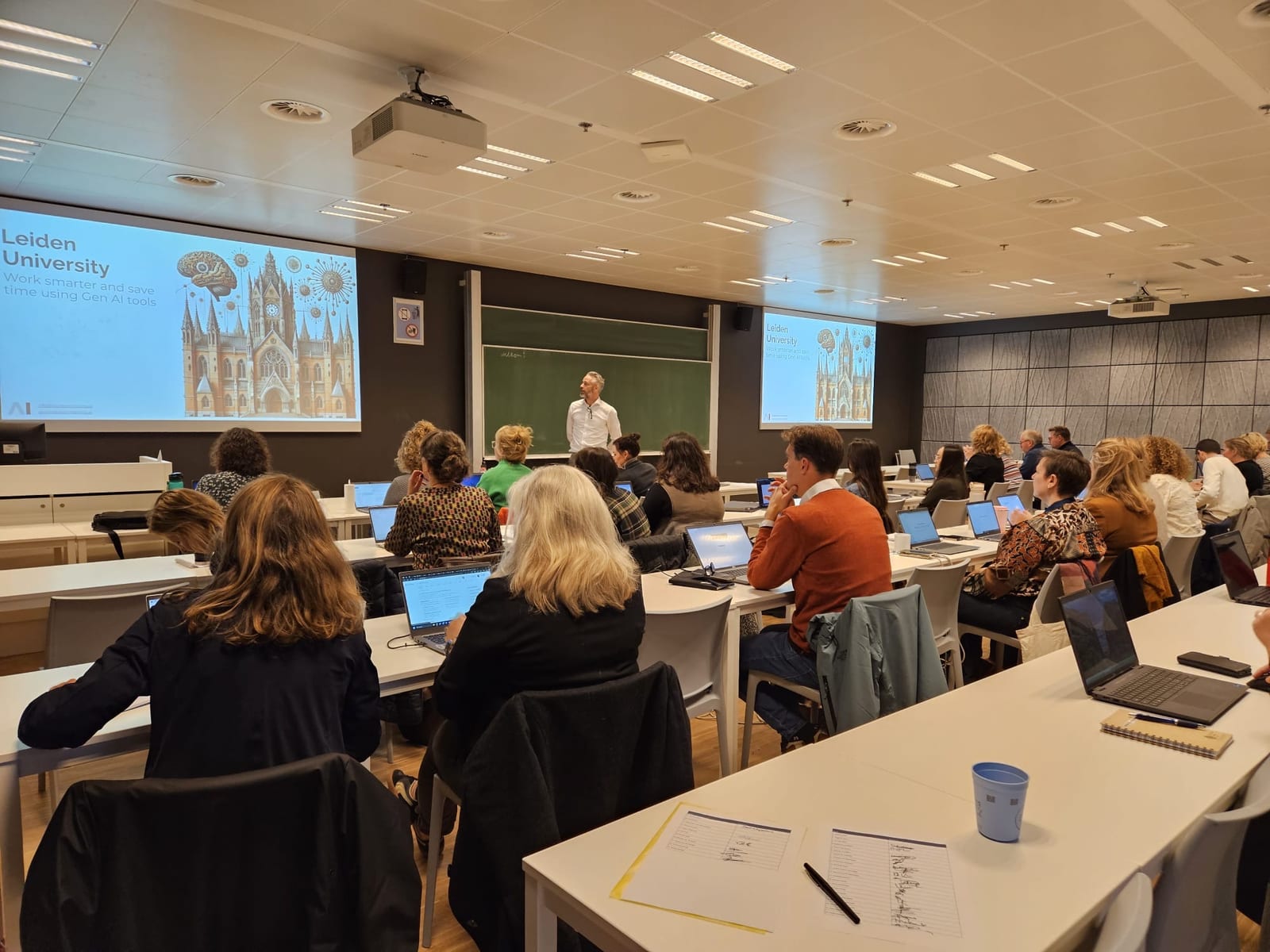
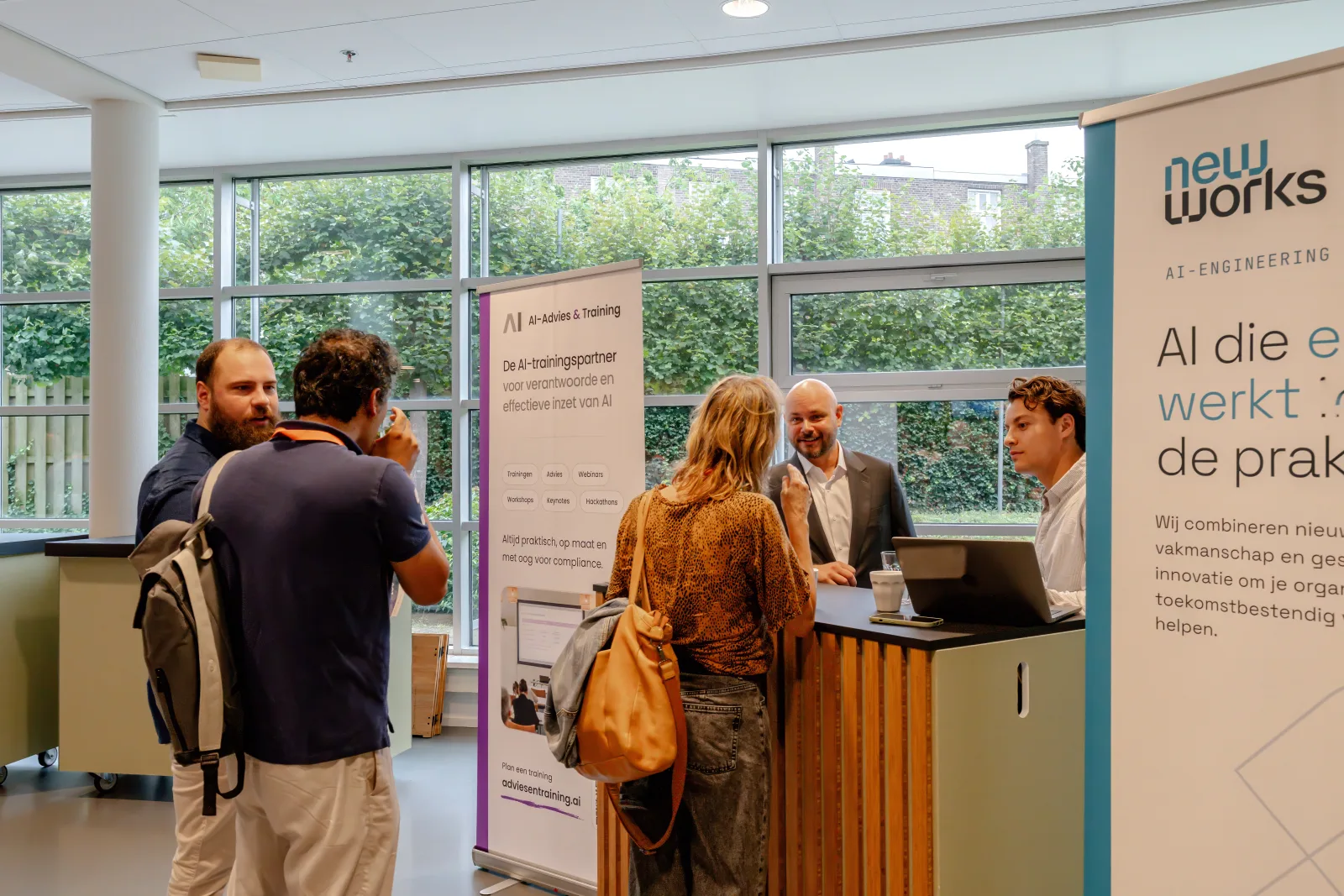
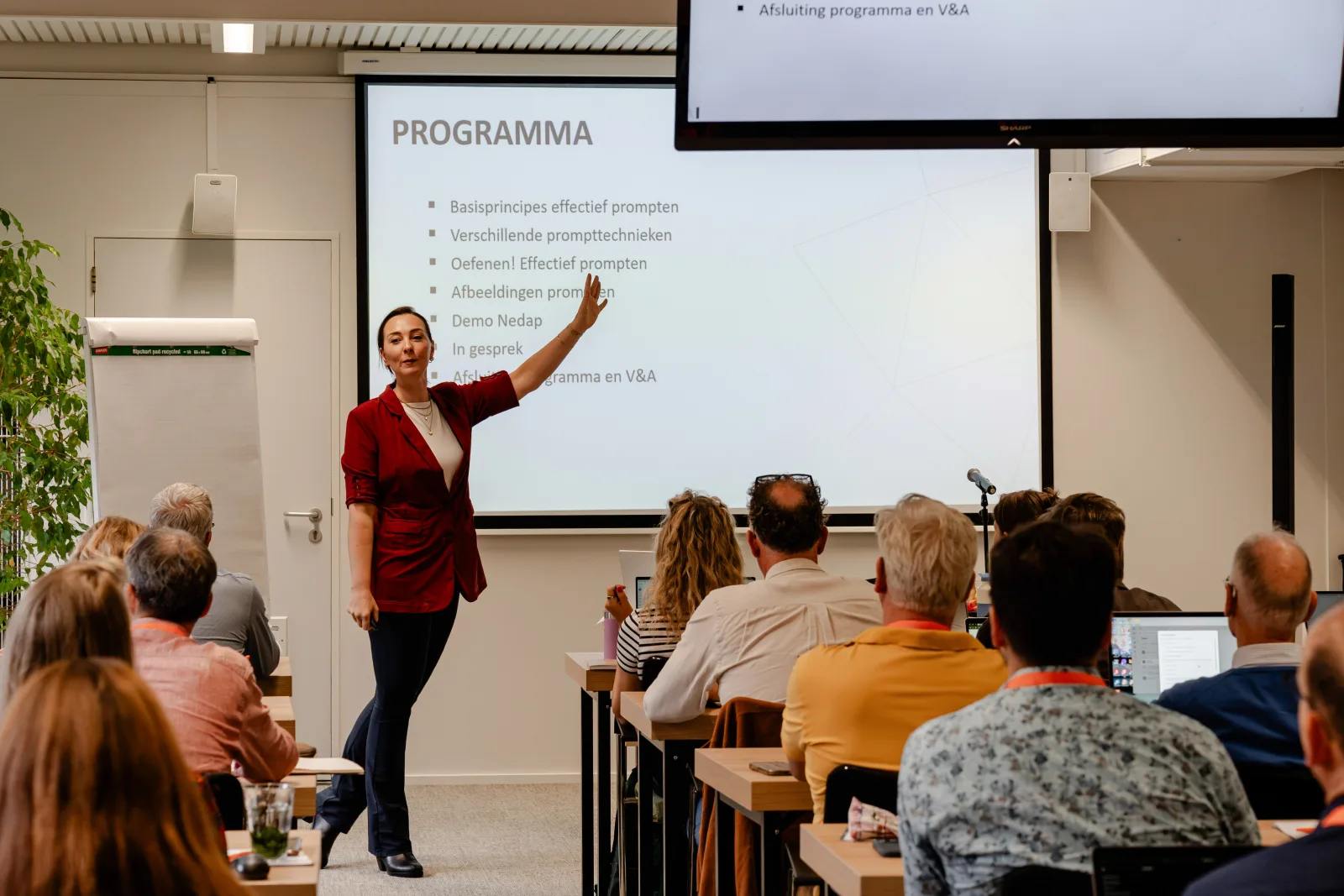
Training in action
From in-house workshops to keynotes for hundreds of participants


Frequently asked questions
Who is the Gemini training for?
Mainly for organisations that work with Google Workspace. Gemini integrates with Docs, Sheets, Gmail and Slides.
Do I need a paid version of Gemini?
Not necessarily. We show the differences between the free version and Gemini in Workspace, and what you need in your situation.
Is prior knowledge needed?
No. Do make sure you have access to Gemini, preferably within Google Workspace. The free app also works, but offers less integration.
Is Gemini safe for business data?
In the paid Workspace environment, Google does not use your content to train its models outside your domain. In the training we show which data you should and should not enter.
How many participants can take part?
A group usually has 6 to 30 participants. With more than 15 participants we bring two trainers, so everyone gets enough personal attention.
Ready for this training?
Request an in-house training, or start with a no-obligation introductory call.
Prefer email? secretariaat@adviesentraining.ai