

Microsoft Copilot in Excel for finance professionals
Copilot in Excel training for finance teams in the Benelux: faster routine tasks, quicker analysis and reporting, with control. In-house or online.
- Format
- Half day (4 hours) or Full day (8 hours)
- Level
- Foundation to advanced
- Audience
- (Senior) financial controllers, business controllers and financial analysts
- Location
- In-house or online
- Language
- English (Dutch on request)
Trusted by, among others





As a finance professional you are expected to deliver insights ever faster from growing datasets, with a minimal margin of error. In this hands-on training you learn to use Microsoft Copilot in Excel to do routine tasks faster, speed up analysis and produce reports, while keeping your accuracy.
What Copilot in Excel does for finance professionals
Copilot in Excel has matured recently. In agent mode the tool plans an analysis, carries out steps and edits the worksheet itself, from formulas to pivot tables and charts. That lets you capture recurring work such as the month-end close and repeat it faster the next period. We show you how to use those capabilities without handing over control.
You work with real cases from your own practice. Don’t expect theory, but a practical session in which you get to work yourself. The accuracy that financial analysis demands is central throughout.
Your trainers: Vikaash Koeldiep and Victor Hovius.
Why checking counts double with financial figures
Copilot doesn’t look up exact answers; it predicts text based on patterns. That means the tool can give a plausible but incorrect formula or summary. The risk grows with the complexity of the calculation: for simple lookups accuracy is high, with several variables the chance of error goes up.
That is why you practise recalculating formulas and results, telling Copilot’s edits apart from your own changes, and knowing which data you should and should not enter. That keeps confidential financial data protected. For broader compliance, our EU AI Act compliance consulting can help. Want to roll out AI beyond Excel? Take a look at our AI consulting for organisations.
What you need for Copilot in Excel
No technical background or AI experience is required, but the training assumes daily experience with Excel. Make sure you have access to Microsoft 365 with a Copilot licence. In the training we look at your situation and what is possible with and without a licence.
This training may count towards continuing education points within your profession. We are not accredited for this ourselves, but we are happy to think along about registration.
Part of the learning path
Every training can be taken on its own or as part of a learning path. This Copilot training is an advanced training (step 2). Want a broad foundation first? Start with AI literacy. Want to embed AI in your team’s daily way of working? Take a look at AI Way of Working.
What you will learn
- You carry out routine Excel tasks faster with Copilot.
- You analyse financial datasets and spot patterns and outliers.
- You create AI-driven charts, dashboards and financial reports.
- You write reusable instructions (prompts) for recurring work.
- You know the risks and always check the output for accuracy.
How the training is structured
Half day (4 hours) or full day (8 hours), in-house or online
-
Welcome & introduction
15 minGetting to know you and your Excel practice
- What Copilot in Excel does and does not do
- Your daily tasks as the starting point
-
Copilot in Excel: the basics
45 minActivating it safely and steering it effectively
- Activating Copilot safely in Microsoft 365
- Carrying out routine Excel tasks faster
- Effective instructions (prompts) for Excel
-
Analysing financial data
60 minFrom dataset to insight
- Searching, filtering and summarising datasets
- Spotting patterns and outliers
- Having formulas built, explained and checked
-
Visualisation & reporting
60 minMaking figures visible and readable
- AI-driven charts and dashboards
- Producing financial reports faster
- Turning figures into a clear commentary
-
Risk & reliability
45 minWorking safely and responsibly
- Where Copilot makes mistakes and how to check
- Telling AI edits apart from your own changes
- Confidential financial data and compliance
-
Application & wrap-up
15 minYour own Excel cases and next steps
- Working through your own cases
- Building a personal prompt set
- Next steps for your team
Where AI helps
Financial data analysis
Searching, filtering and summarising datasets, and spotting patterns and outliers.
Visualisation & reporting
Producing AI-driven charts, dashboards and financial reports faster.
Formulas and error checking
Having complex formulas explained, built and checked for errors.
Month-end close and variance analysis
Capturing recurring steps and comparing figures period on period.
From figures to text
Turning figures into a clear commentary for management and the board.
Working reliably
Knowing where Copilot makes mistakes, how to check and how to protect confidential data.
Training tailored to your organisation
We are happy to build a programme that fits your practice, team and learning goals. Fill in the form and we will schedule an introductory call within one working day.
-
Fully tailored
Content and examples matched to your sector, team and way of working.
-
At your offices or online
4 or 8 hours, groups of up to 20 participants, in English or Dutch. Anywhere in the Benelux.
-
Proof of attendance
Attendance is registered; for legal training, CPD points may be possible.
Our method: the five-step prompting model
In every training you work with our five-step model. It helps you write prompts that are reliable, repeatable and directly usable in your own work.
- P
Persona
What role and tone do you give the AI?
- T
Task
What task? Concrete and clearly scoped.
- C
Context
What background and sources are relevant?
- C
Criteria
What must the result meet?
- O
Output
In what form do you want the answer back?
What you receive
After this training: badge and certificate
You complete this training with the Awareness Badge. Want your AI literacy formally and independently recognised as well? Then you take an exam for the accredited certificate of the Stichting ter bevordering van AI-Geletterdheid (Foundation for the Promotion of AI Literacy).
- Awareness Badge included
- Prepares for SAIG-Practitioner
Awareness Badge
Every participant receives the digital Awareness Badge afterwards. No exam needed.
Official certificate
Have your knowledge tested at Basic, Practitioner or Advanced level. Administered independently on the assessment platform of the Stichting ter bevordering van AI-Geletterdheid.
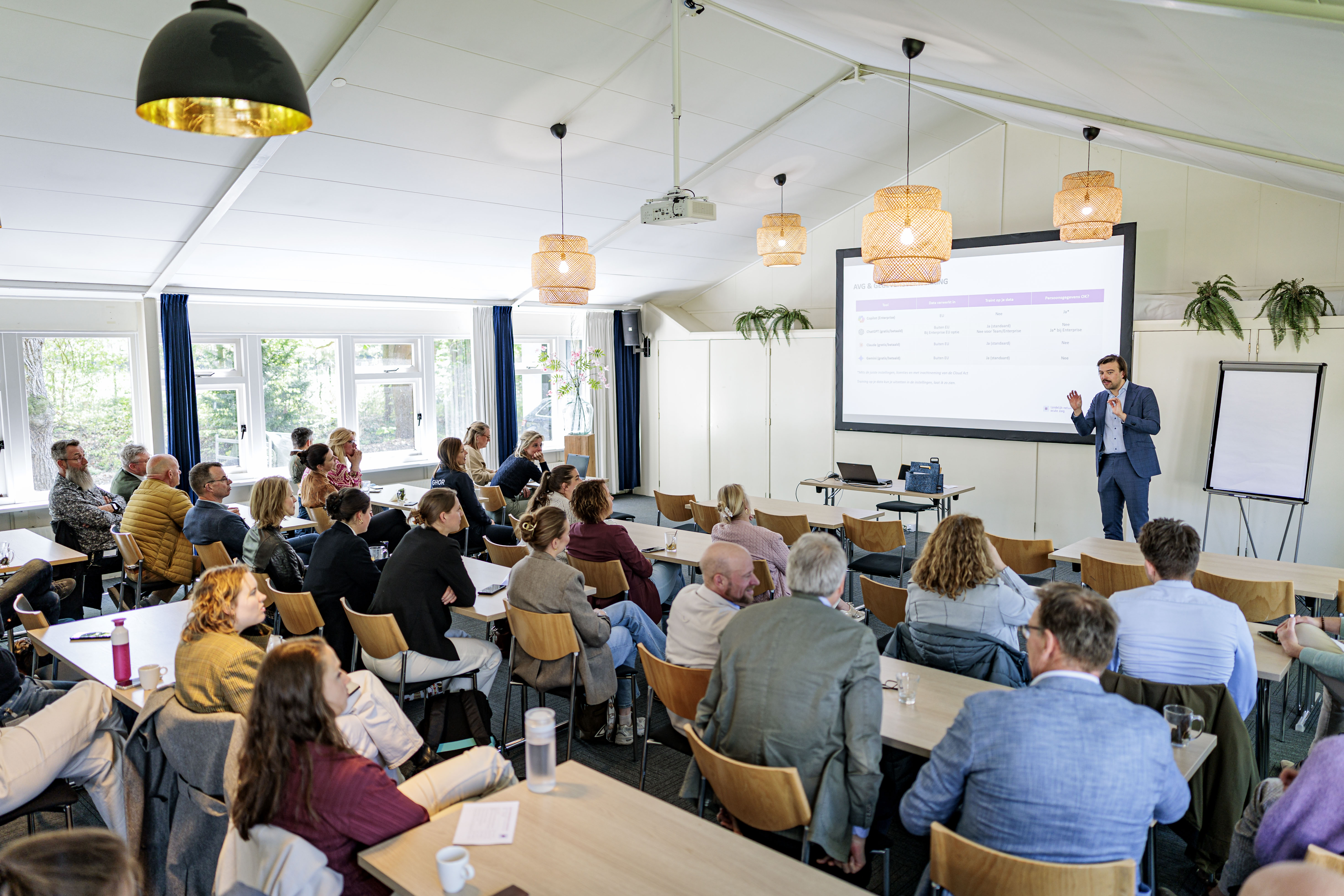
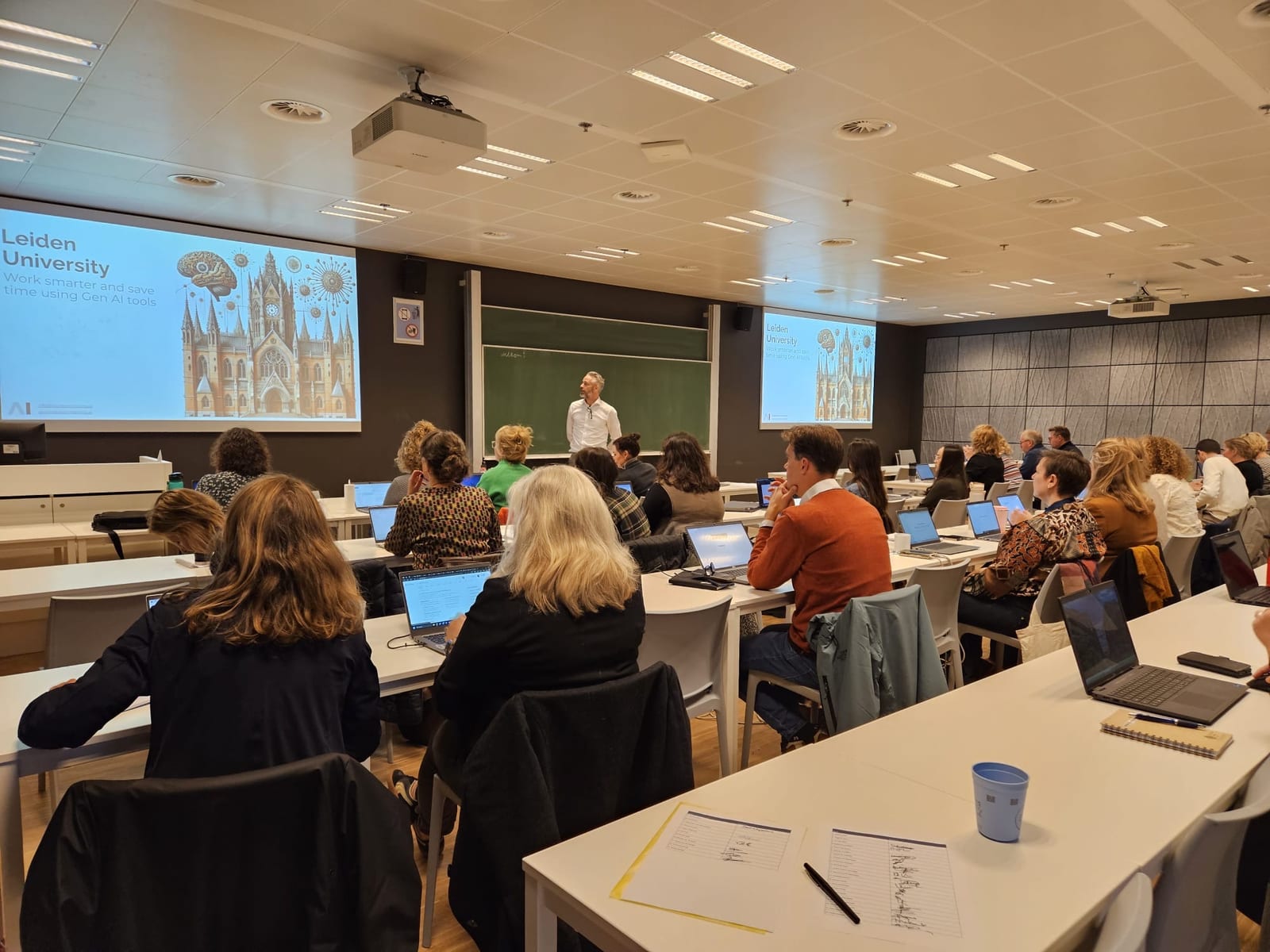
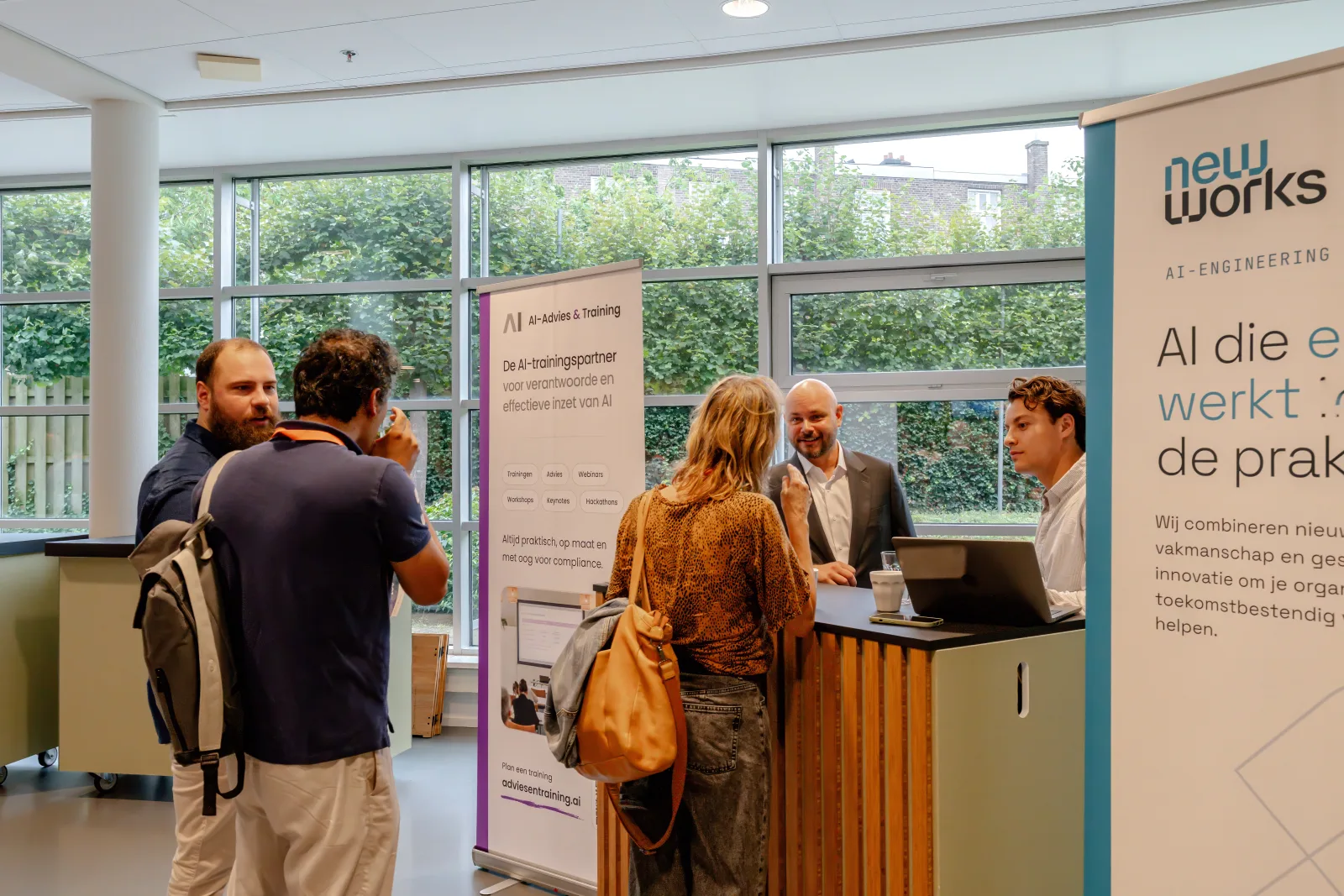
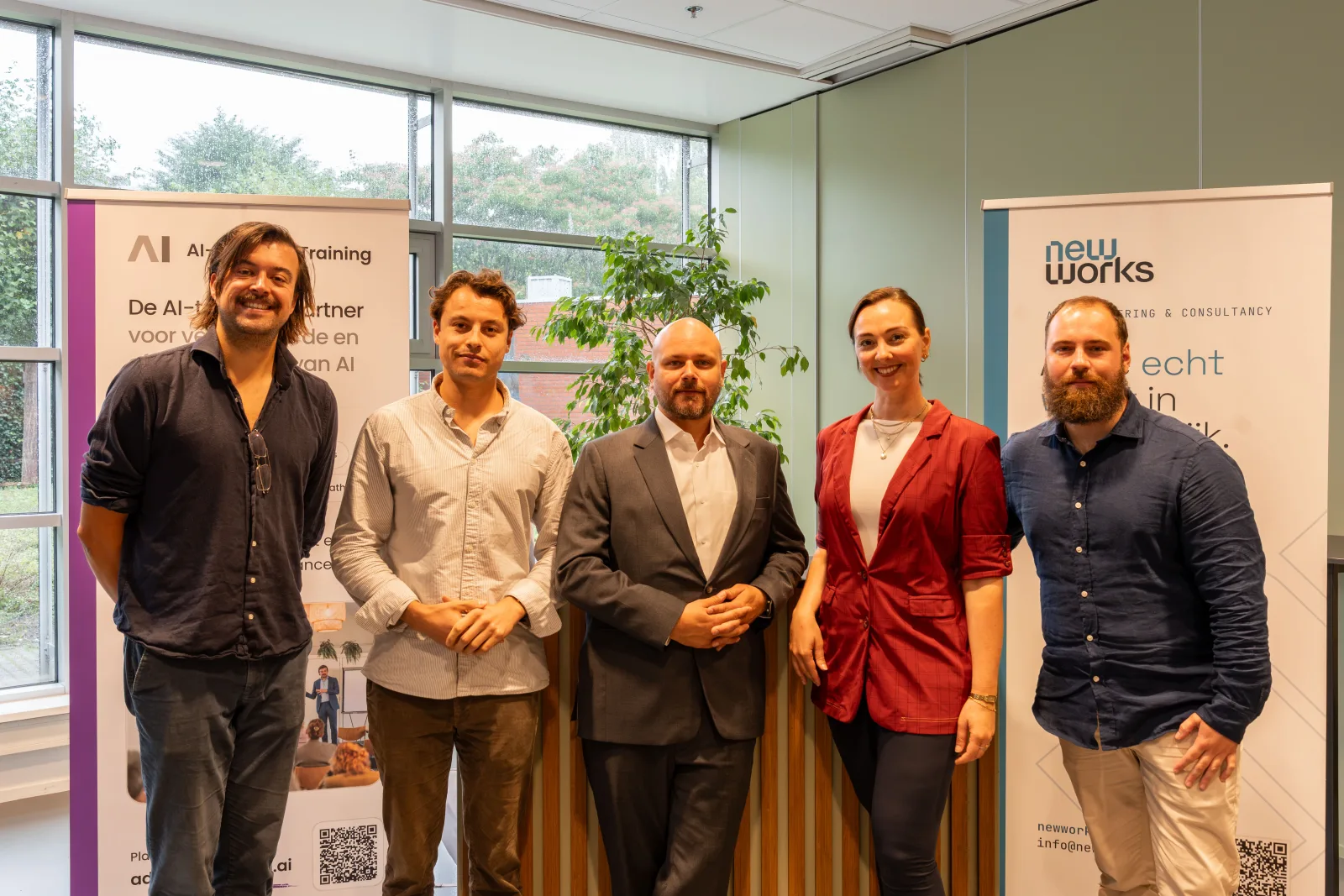
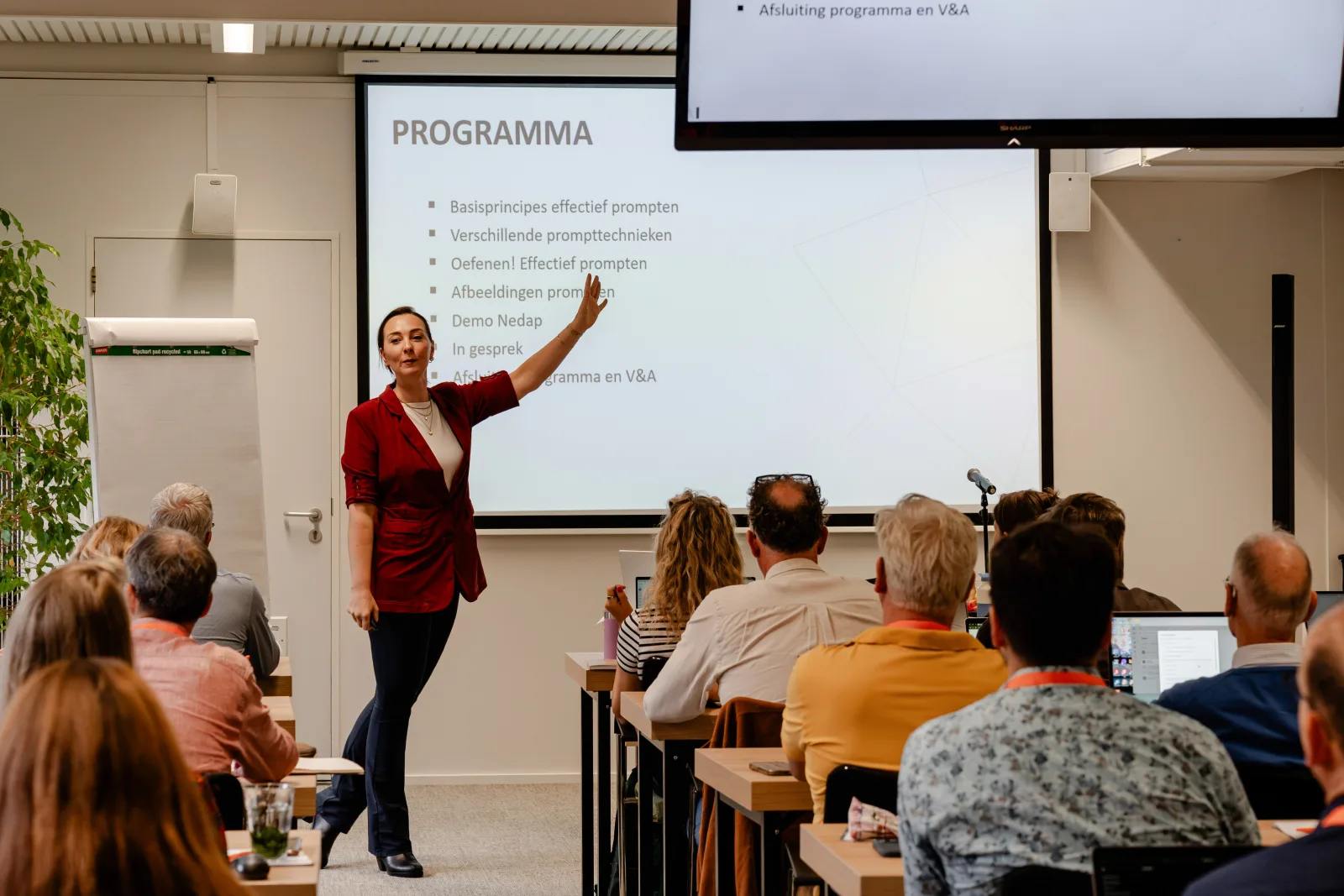
Training in action
From in-house workshops to keynotes for hundreds of participants

Frequently asked questions
Does Copilot work in my version of Excel?
Copilot works in Microsoft 365 with a Copilot licence. In the training we look at your situation and what is possible with and without a licence.
Can I trust AI with financial calculations?
With checks. Copilot speeds up analysis and reporting, but you remain responsible for accuracy. AI models can produce plausible but wrong formulas or figures. We show you where the risks are and how to check the output.
Is prior knowledge needed?
No, but the training assumes daily experience with Excel. No prior AI knowledge is required.
How many participants can take part?
A group usually has 6 to 30 participants. With more than 15 participants we bring two trainers, so everyone gets enough personal attention.
Can we use our own data and cases?
Yes. The training is most valuable with your own work. We agree in advance which files and tasks you want to cover, with attention to confidentiality.
Ready for this training?
Request an in-house training, or start with a no-obligation introductory call.
Prefer email? secretariaat@adviesentraining.ai