
Claude for SMEs
From using AI to having AI work for you
You probably already use ChatGPT or Claude now and then for a text, a summary or some ideas. But AI can do a lot more by now. In this course you learn to use AI for work that involves several steps, with your own business as the starting point.
4 half days · Spread over 8 weeks · Online or on location · In English or Dutch
- Format
- 4 half days (spread over 8 weeks)
- Level
- No prior knowledge needed
- Audience
- Business owners, managers and professionals in SMEs
- Location
- Online or on location
- Language
- English or Dutch
You can also use AI for work that involves several steps. For example: gathering information, analysing data, preparing a proposal and deciding what the logical next step is. We call that agentic AI.
In the Claude for SMEs course you learn how to apply this new way of working in your own business. We use Claude as the tool to design, build and test your own AI workflows. For work in finance, sales, marketing, customer contact and operations, among other areas. As far as possible we work with your own processes, documents and practical examples.
The course consists of four half days, spread over eight weeks. Between sessions you get to work in your own business. You receive assignments, test applications and work step by step towards workflows that fit the way your organisation works.
Language. The course is taught in English or Dutch. Let us know your preference when you register. For an English-language Claude training for your own team, see our Claude AI training for professionals.
What does agentic AI mean for SMEs?
In a small or medium-sized business, hardly anyone does just one thing. You deal with customers, quotes, administration, marketing and planning. And in the meantime you also want to know how the business is doing.
Much of that work consists of the same steps over and over: finding information, combining it, checking it, analysing it and then preparing something. During the course we explore which work you can organise more smartly with Claude. For example:
- gathering the key information for the week ahead every Monday morning
- deciding which customers or leads need attention
- analysing sales information and spotting commercial opportunities
- preparing a marketing campaign
- analysing customer feedback
- comparing margins and prices
- collecting information for a month-end close
- analysing a contract and listing points of attention
- checking and cleaning up information in a CRM
- preparing a quarterly review
The goal is not to hand as much as possible over to AI. The goal is to find out where AI really makes your work better or more efficient.
The course in four sessions
- 1
Spotting opportunities and designing good workflows
In the first session we lay the foundation. You learn what agentic AI is, how Claude works and how to break a recurring task into steps that AI can support.
We focus on your own organisation. Which work takes a lot of time? Which tasks are predictable? Where is the same information searched for, copied or combined again and again?
What we cover
- what Claude can do and where its limits are
- the difference between a prompt, a workflow and an agent
- how to break a work process into clear steps
- working with documents and business information
- giving good instructions and context
- privacy, confidentiality and responsible use
- deciding which work is suitable for AI
Practical assignment
Map recurring work in your own organisation. Choose three processes you want to explore further during the course.
Deliverable
AI Opportunity Map
A practical overview of:
- promising work
- time and effort
- information needed
- possible AI steps
- expected value
- human checks needed
- 2
Finance, analysis and management information
In the second session we look at work where a lot of information has to be gathered, checked and interpreted. Think of cash flow, margins, month-end closes, sales trends and management information.
You learn how to use Claude to get from scattered data to a usable overview or recommendation.
What we cover
- structuring financial information
- analysing cash flow and payments
- comparing prices, costs and margins
- preparing information for a month-end close
- producing periodic management reports
- preparing weekly and quarterly overviews
- spotting deviations and points of attention
- checking output for reliability
Example workflows
Week start
Gathering information from different sources and turning it into an overview of the main points of attention.
Price and margin analysis
Combining sales and cost data and analysing where margins are changing.
Month-end close
Gathering information, flagging missing data and preparing a first overview.
Quarterly review
Bringing revenue, margin, customers and commercial developments together in one management overview.
Practical assignment
Design one finance or management workflow and use it for two weeks in your own organisation.
Deliverable
A working finance or management workflow
Including:
- information sources used
- instructions
- checkpoints
- sample output
- a first estimate of time saved and quality
- 3
Sales, marketing and customers
In the third session we focus on the commercial side of the business. You learn how to use Claude to turn customer information, sales data and feedback into concrete actions.
This is not just about producing copy. It is about the whole process that comes before it.
What we cover
- prioritising leads and customers
- analysing sales information
- spotting commercial opportunities
- preparing campaigns
- analysing customer feedback
- preparing responses to complaints and customer questions
- checking CRM information
- analysing contracts and documents
Example workflows
Lead selection
Analysing CRM information and deciding which customers or prospects deserve attention.
Sales briefing
Gathering customer information and preparing a call or meeting.
Campaign development
From sales data to a commercial opportunity, proposition and campaign proposal.
Customer feedback
Collecting feedback, spotting patterns and formulating improvements.
CRM check
Flagging missing, duplicate or outdated information.
Contract analysis
Structuring and summarising an agreement and listing points of attention.
Practical assignment
Build one commercial or customer-facing workflow and test it in practice for two weeks.
Deliverable
A working sales, marketing or customer workflow
A process you can reuse within your organisation.
- 4
From experiment to standard practice
In the final session we bring everything together. By now you have tested several applications and found out what does and does not work.
Now we look at how to turn an experiment into a sound, repeatable way of working. You learn how to improve a workflow further and adapt it to the way your business works.
What we cover
- improving and simplifying workflows
- adding good business context
- working with your own documents and information
- combining different steps
- building in human checkpoints
- deciding which tasks you do and do not automate
- privacy, security and responsibilities
- assessing quality and reliability
- measuring time saved and added value
- agreeing on use within a team
Practical assignment
Choose the three applications with the most value for your organisation and work them out into a practical approach for the coming months.
Deliverable
Claude for SMEs Playbook
Containing:
- three relevant AI workflows
- at least two applications tested in practice
- the instructions and business context needed
- information sources and tools
- check and approval points
- lessons learned
- opportunities for next steps
- a concrete 90-day plan
15 applications covered during the course
Across the four sessions we use fifteen types of application. That way you see how to build AI workflows for different business processes.
Finance
Cash flow and payments
Looking ahead at income, expenses and outstanding invoices.
Month-ahead outlook
Making key financial developments for the coming period visible.
Month-end close
Gathering and checking data and flagging deviations.
Price and margin analysis
Comparing prices, costs and margins.
Preparing for your accountant or tax adviser
Gathering and structuring information before it is shared.
Sales and marketing
Prioritising leads
Deciding which customers or prospects deserve attention.
Analysing sales
Drawing patterns and commercial opportunities from sales information.
Preparing a campaign
From analysis to proposition, content and next steps.
Customers and operations
Handling complaints
Combining customer information and preparing a response.
Analysing customer feedback
Spotting patterns and recurring topics.
Maintaining the CRM
Flagging missing, duplicate or outdated information.
Analysing contracts
Summarising agreements and listing points of attention.
Management
Week start
Bringing together the key information for the week ahead.
Week close
Collecting results, open actions and points of attention.
Quarterly review
Bringing together key financial and commercial developments.
Not copying a workflow, but learning to build your own
The examples are a starting point. The real question is: which work in your business can you organise more smartly this way?
Your business works differently from another participant’s. You use different software. You have different customers, different processes, different information and different risks. That is why the course teaches you how to take a workflow and:
- 1 build up from different steps
- 2 provide with the right information and context
- 3 connect to your own work process
- 4 test for quality
- 5 improve
- 6 provide with human checkpoints
- 7 and finally make part of your daily work
Claude is the tool. Your business process is the starting point.
What can you do after eight weeks?
- You understand what agentic AI can mean for a small or medium-sized business.
- You recognise work that is suitable for AI workflows.
- You can set up and improve a workflow yourself.
- You have tested at least two applications in practice.
- You can get Claude to work better with your own business context.
- You know where human checks remain necessary.
- You can design new applications for your own organisation.
- You have a concrete plan to take things further.
No presentations: you do the work
This is not a training where you spend four half days watching presentations about AI. You get to work yourself.
The sessions are spread over eight weeks. Between meetings you use Claude in your own practice. You try something. You find out what works well and where it still goes wrong. We discuss that in the next session and then improve the approach.
That way you learn not only what Claude can do, but above all when it adds something for your business.
After this course: badge and certificate
You complete the course with the Awareness Badge. Want your AI literacy formally and independently recorded as well? Then you take an exam for the accredited certificate of the Foundation for the Promotion of AI Literacy (SAIG).
- Awareness Badge included
- Prepares for SAIG-Practitioner
Awareness Badge
Every participant receives the digital Awareness Badge afterwards. No exam needed.
Official certificate
Have your knowledge tested at Basic, Practitioner or Advanced level. Administered independently on the assessment platform of the Stichting ter bevordering van AI-Geletterdheid.
Who it is for, where, and what it costs
The course is for business owners, managers and professionals in small and medium-sized businesses who want to put AI to concrete use in their business. You do not need technical knowledge. We do expect you to make time between sessions to experiment with your own cases. The sessions are taught in English or Dutch.
Online
€ 1,250
per participant, excl. VAT
In person
€ 2,000
per participant, excl. VAT
4 half days, spread over 8 weeks · Including assignments, working materials and templates
Register for Claude for SMEs
Leave your details and we will contact you within one working day about start dates and availability. You can also use this form for questions about the course, including your preferred language.
-
4 half days, 8 weeks
Between sessions you work on assignments in your own business.
-
Online or in person
Online € 1,250 or in person € 2,000 per participant, excl. VAT, including assignments, working materials and templates.
-
No technical knowledge needed
You do need time between sessions to experiment with your own cases.
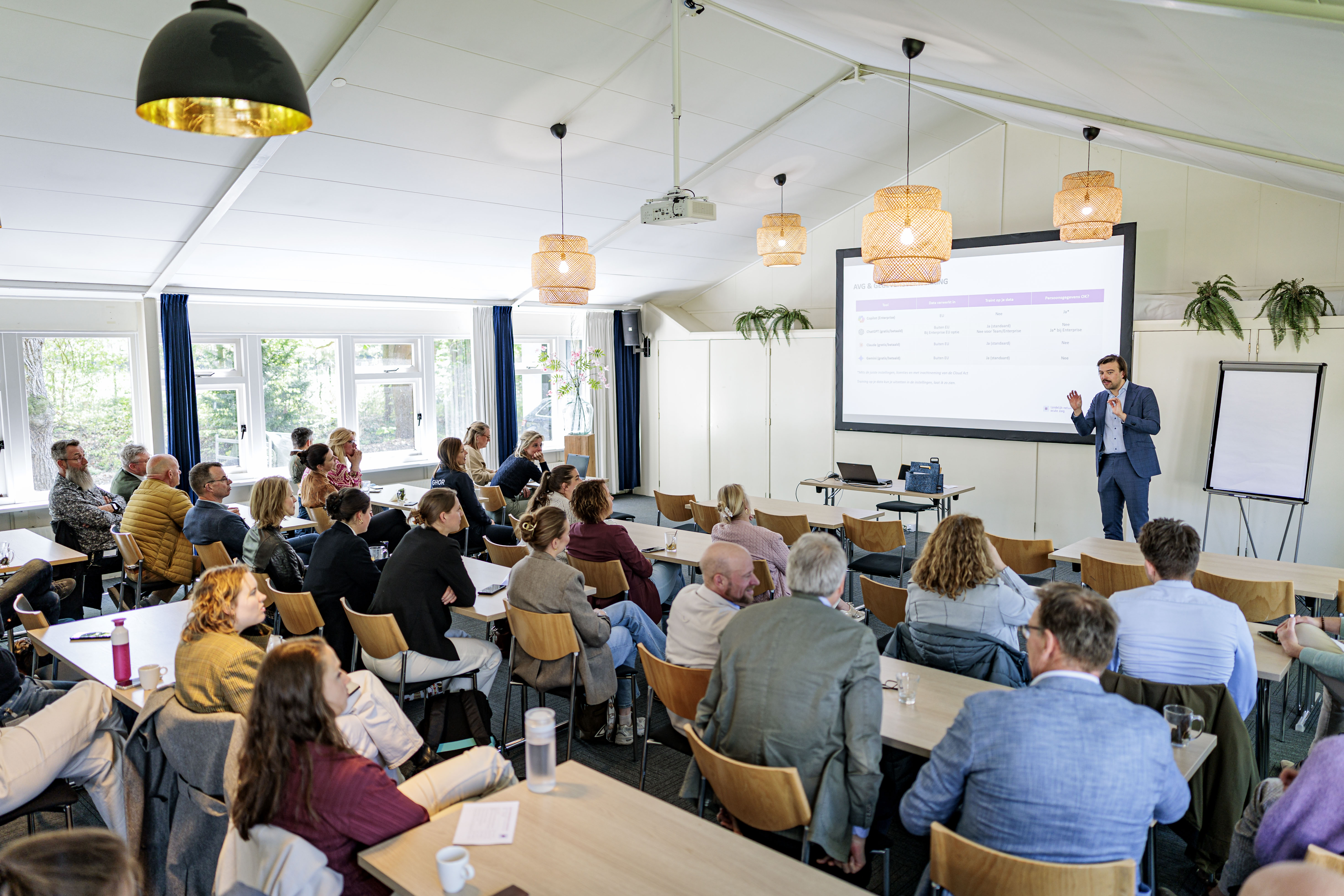
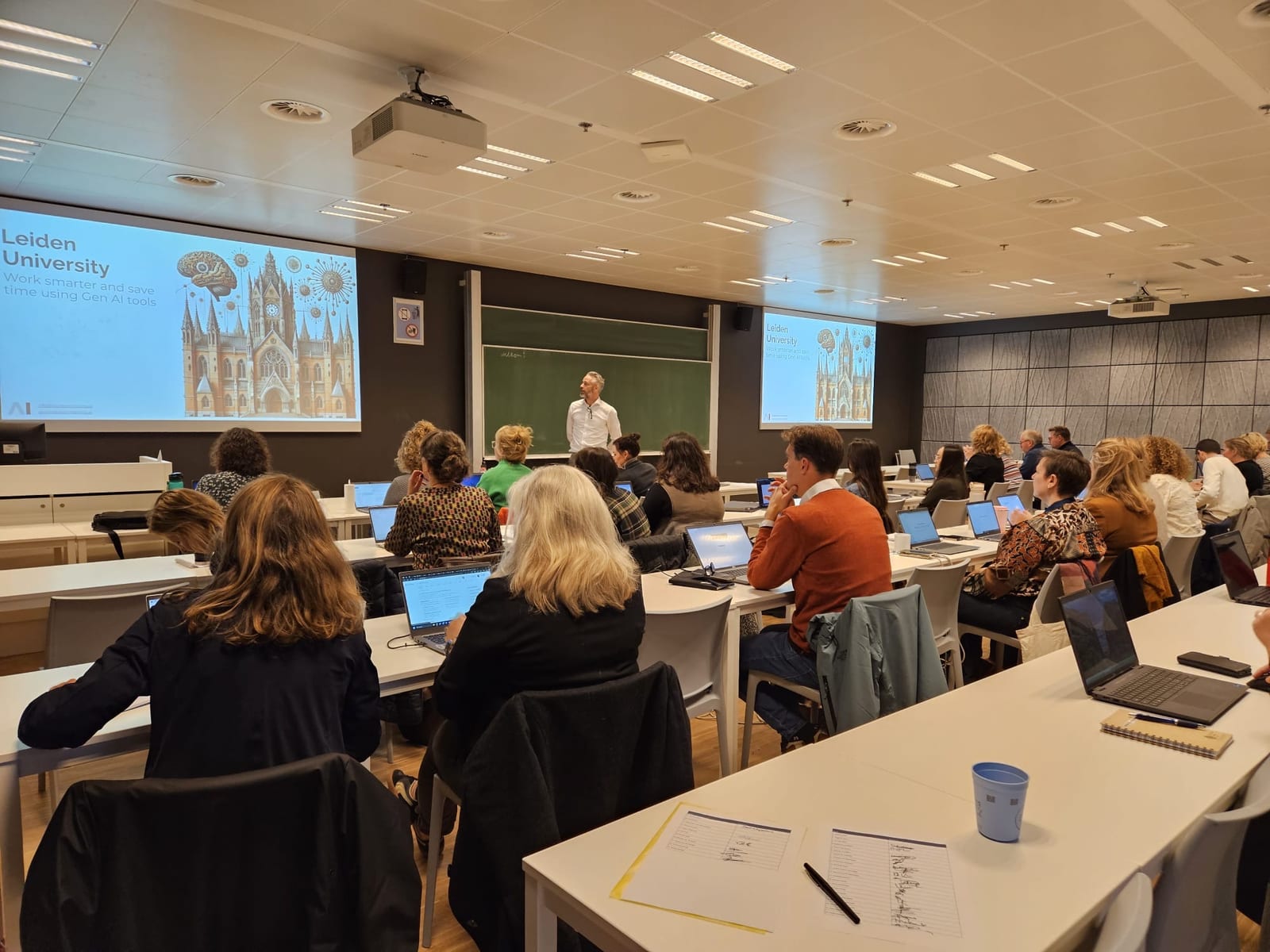
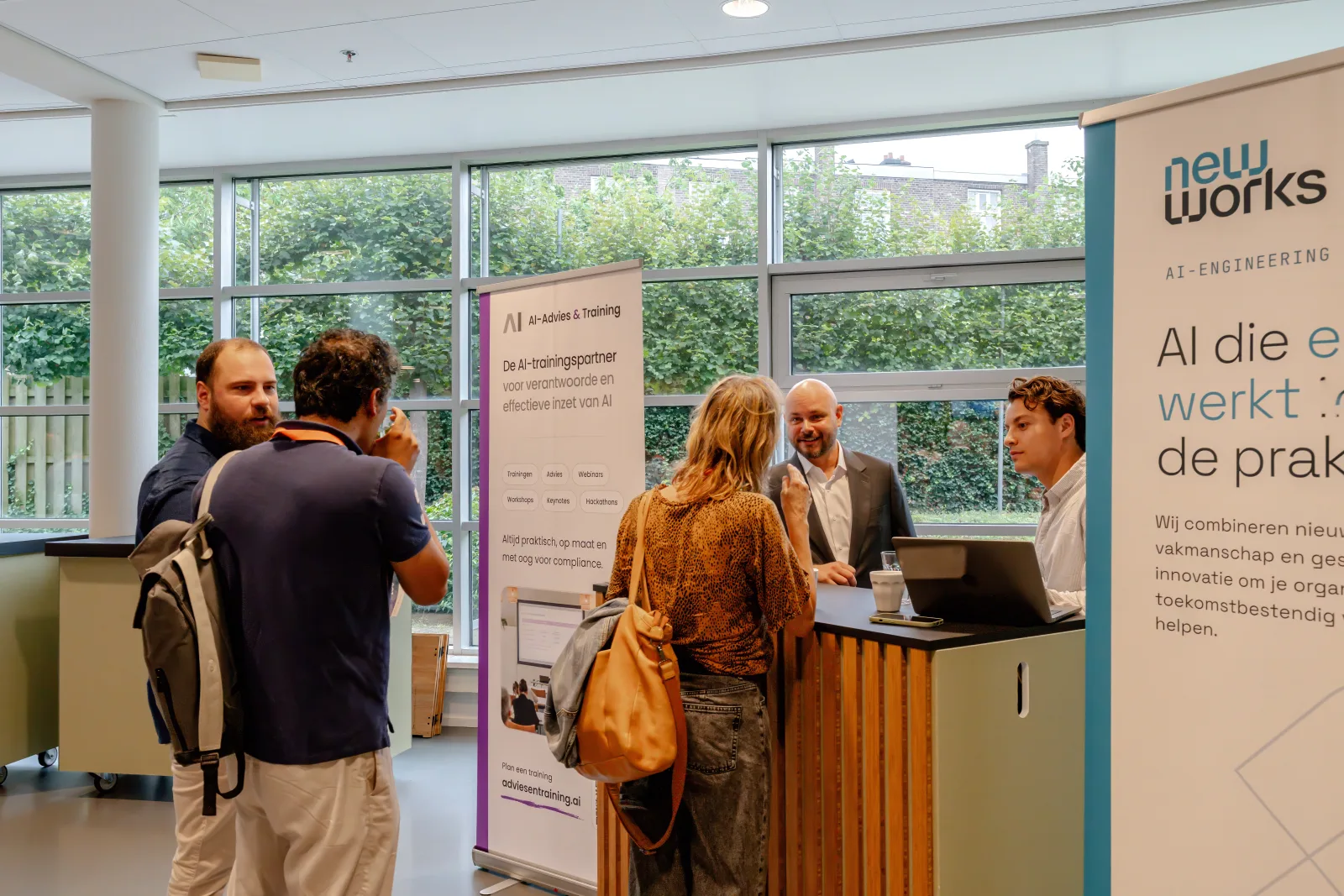
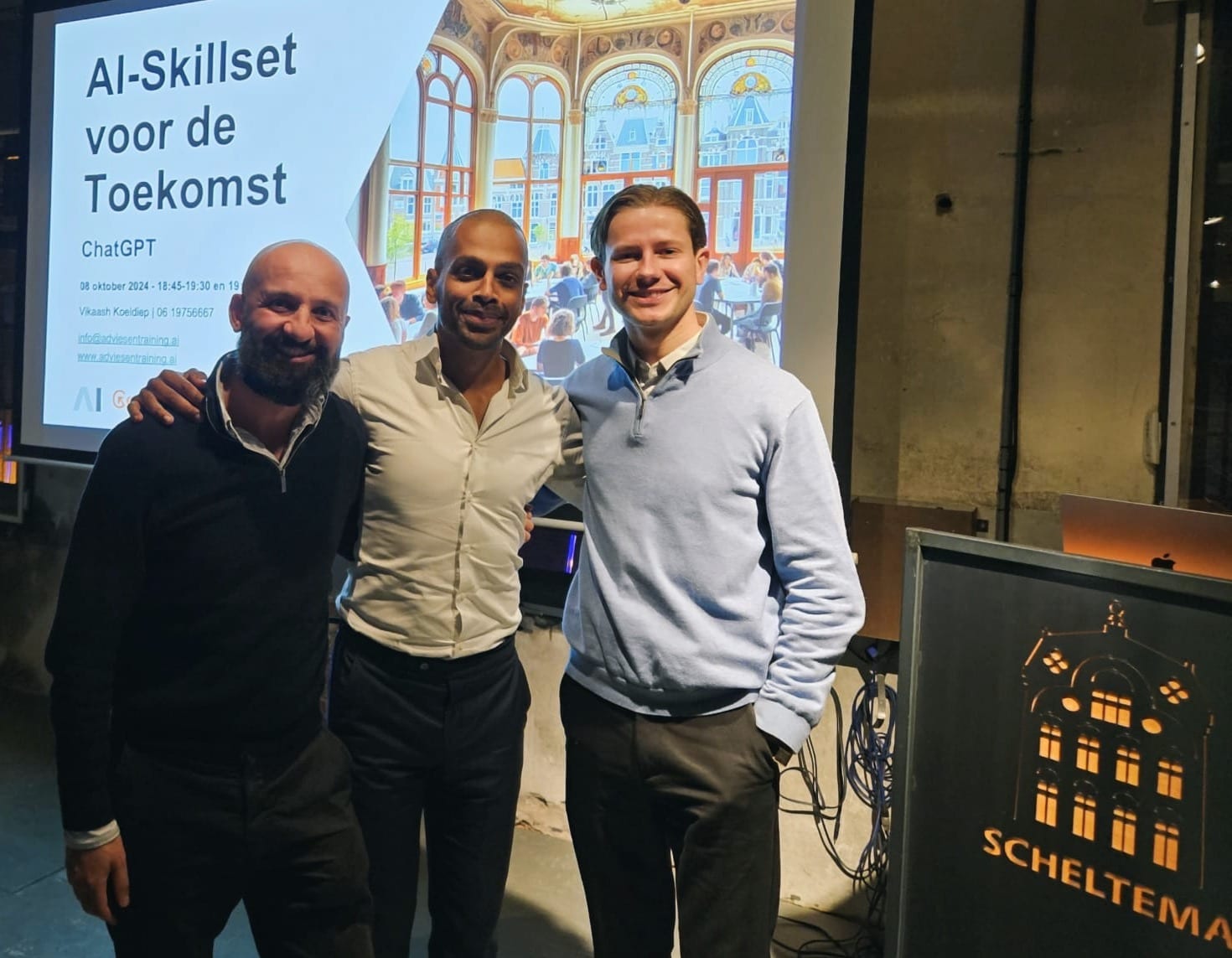
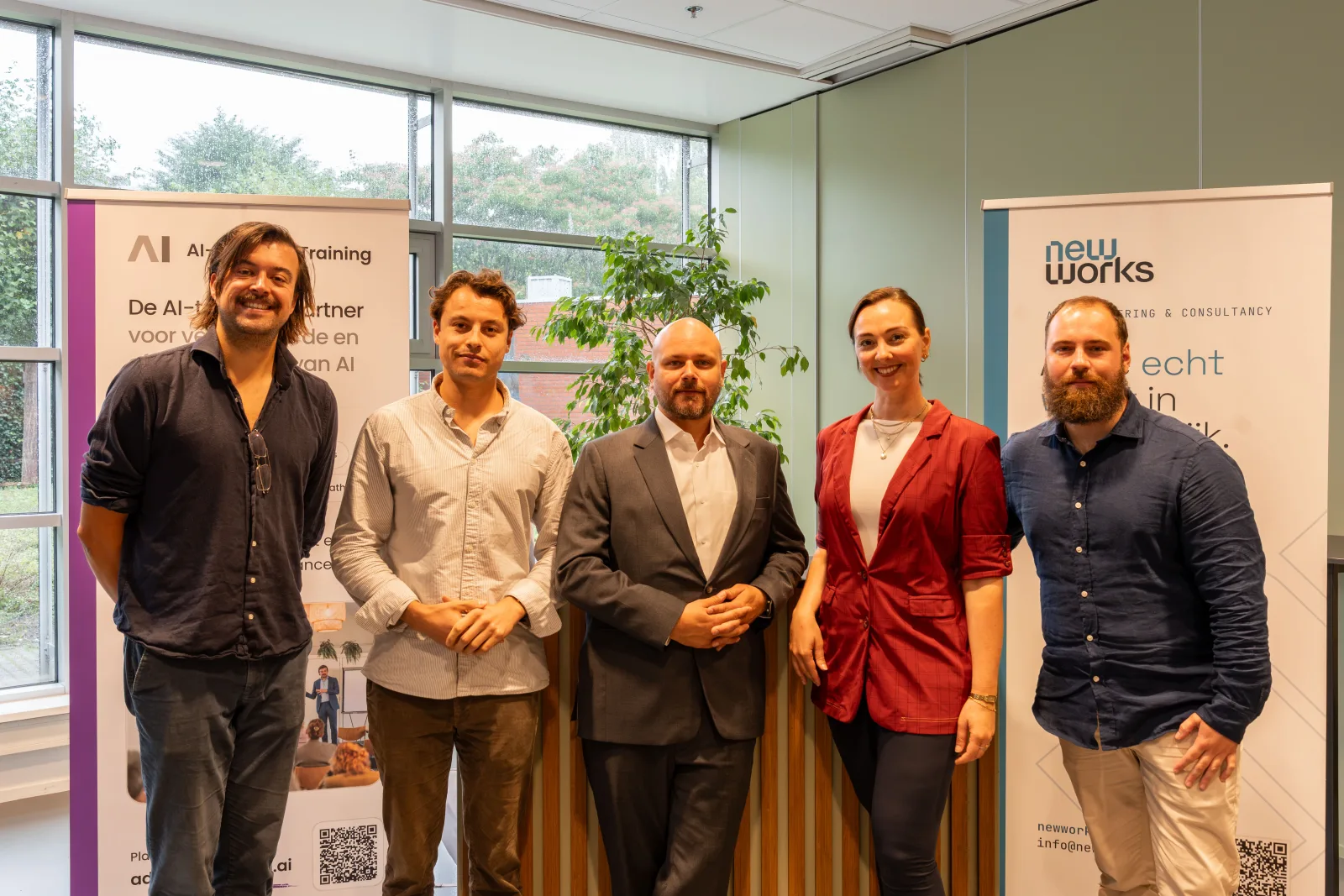
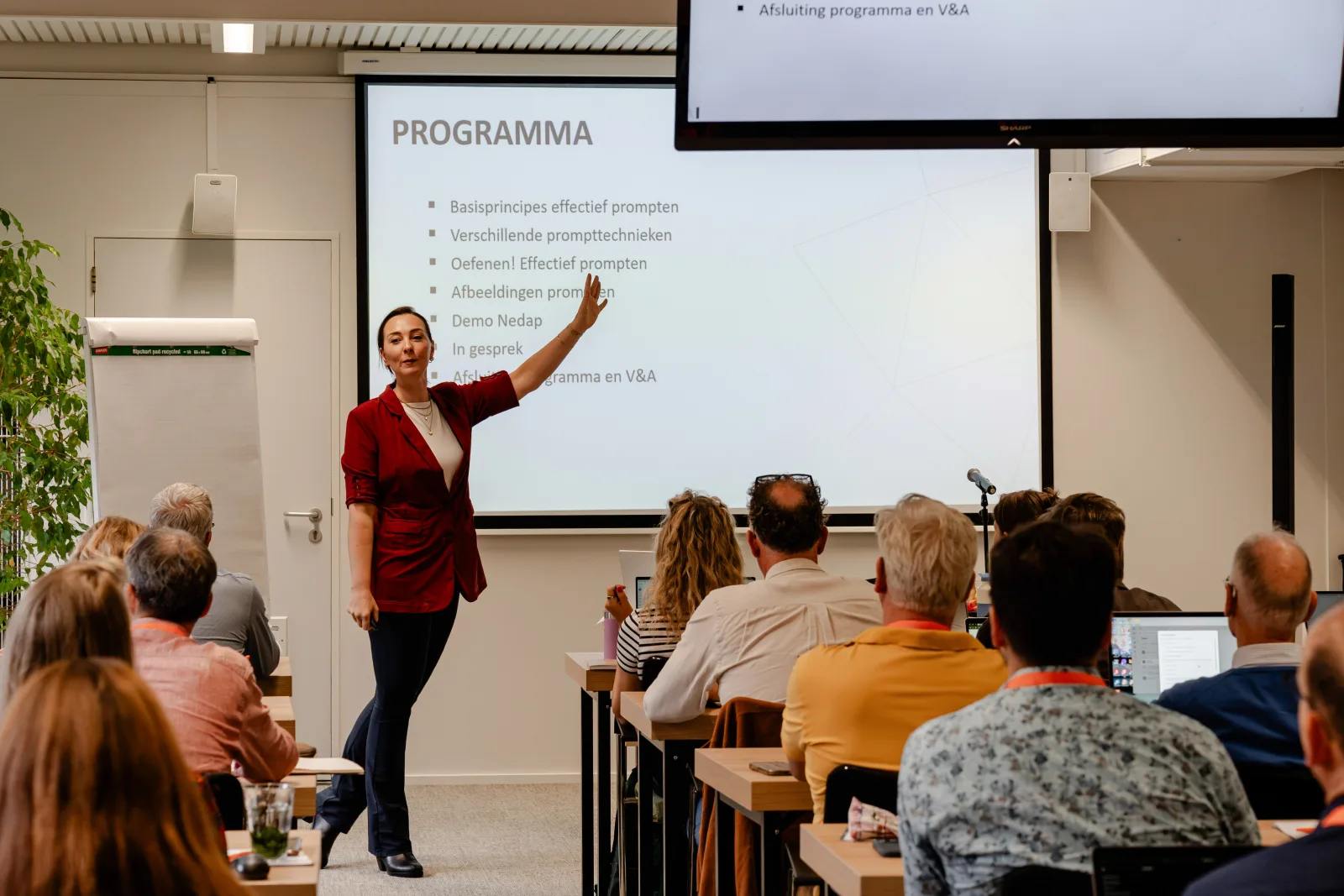
Training in action
From in-house workshops to keynotes for hundreds of participants
Frequently asked questions about Claude for SMEs
Who is the course for?
For business owners, managers and professionals in small and medium-sized businesses who want to put AI to concrete use in their business.
In which language is the course taught?
In English or Dutch. Let us know your preference when you register. For an in-house Claude training in English for your own team, see our Claude AI training for professionals.
Do I need technical knowledge?
No. We do expect you to make time between sessions to experiment with your own cases.
What does the course cost?
Online € 1,250 per participant, in person € 2,000 per participant, excl. VAT. Including assignments, working materials and templates.
How is the course structured?
Four half days, spread over eight weeks. Between sessions you work on assignments in your own business. What you run into, we discuss in the next session.
Do we work with our own business information?
Yes, as much as possible. We work with your own processes, documents and practical examples. Privacy, confidentiality and responsible use are covered in the first session, so you know which information you can and cannot use.
Explore further
Which work could you organise more smartly with AI?
AI is developing fast. The question is no longer just what you can ask AI, but which work you organise more smartly with it. That is what you work on, in practice, for eight weeks in Claude for SMEs.
Prefer email? secretariaat@adviesentraining.ai